If Copilot at work doesn't look like the one in the videos, check your label first. Microsoft puts a label under your name on the Microsoft 365 home page, and it tells you which Copilot your company gave you.
What you need
A work or school Microsoft 365 account (the label check is for these accounts)
10 seconds
How to check
Sign in to Microsoft 365 with your work or school account.
On the home page, scroll to the bottom to view your account.
Read the label under your name. Microsoft says it will be one of three: Copilot Chat (Basic), M365 Copilot (Basic) or M365 Copilot (Premium).
The chart
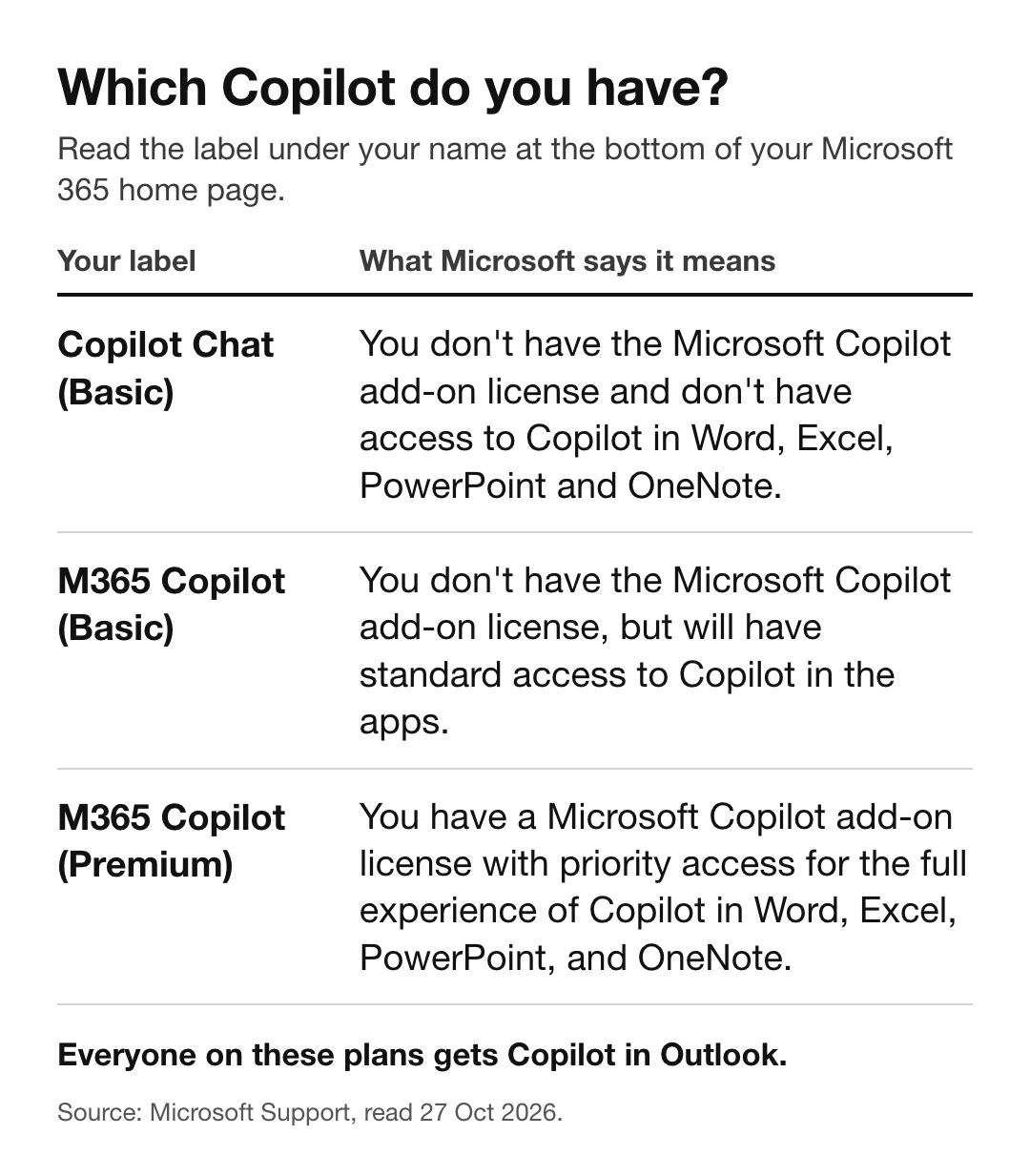
Your label: Copilot Chat (Basic). What Microsoft says it means: "You don't have the Microsoft Copilot add-on license and don't have access to Copilot in Word, Excel, PowerPoint and OneNote."
Your label: M365 Copilot (Basic). What Microsoft says it means: "You don't have the Microsoft Copilot add-on license, but will have standard access to Copilot in the apps."
Your label: M365 Copilot (Premium). What Microsoft says it means: "You have a Microsoft Copilot add-on license with priority access for the full experience of Copilot in Word, Excel, PowerPoint, and OneNote."
Everyone on these plans gets Copilot in Outlook. Microsoft: "All subscribers have access to Copilot in Outlook."
What only the add-on license gets
Microsoft's table compares Copilot Chat with and without the add-on license (Premium is the label with it):
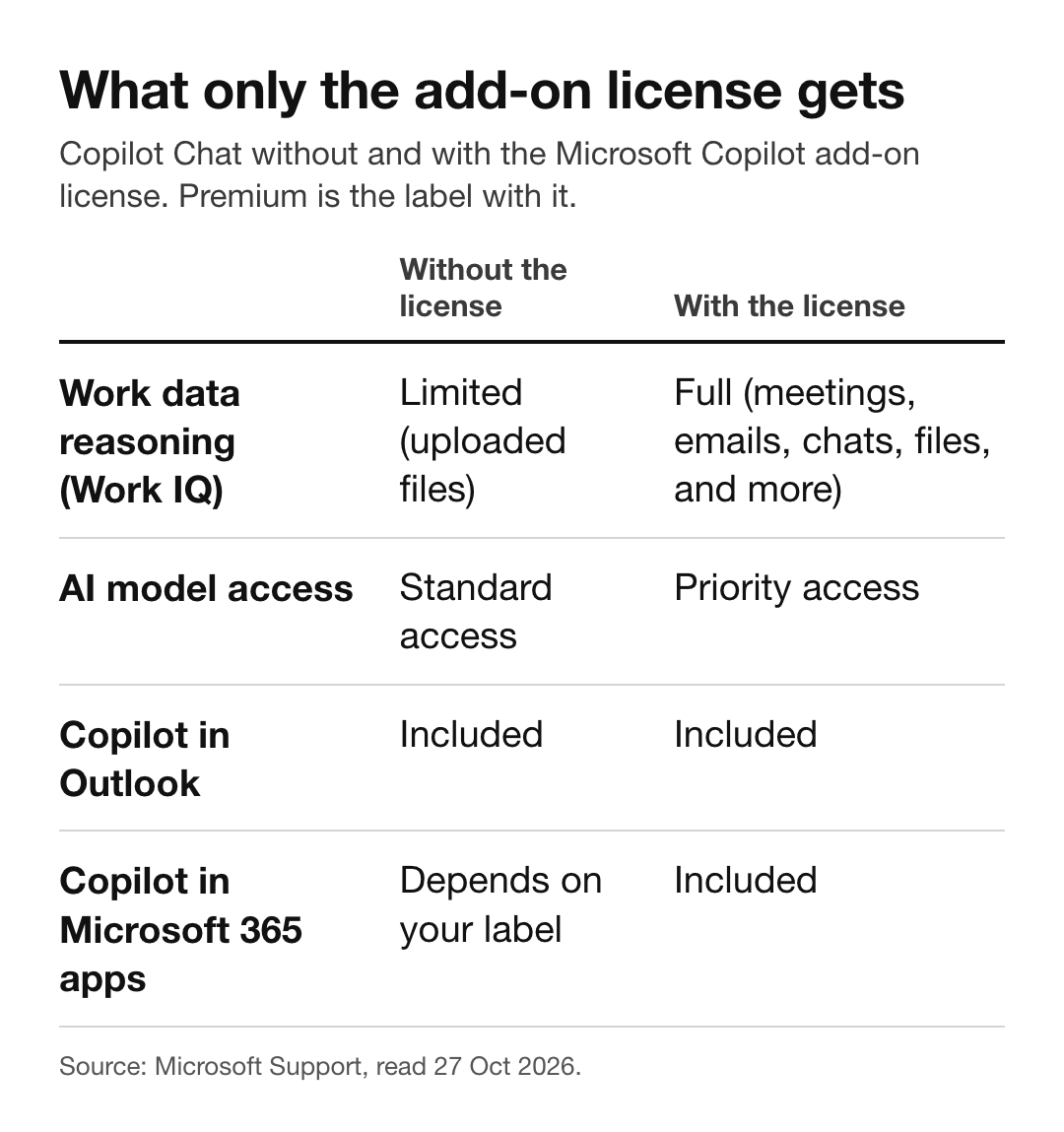
Work data reasoning (Work IQ). Without the license: "Limited (uploaded files)". With the license: "Full (meetings, emails, chats, files, and more)".
AI model access. Without the license: "Standard access". With the license: "Priority access".
Copilot in Outlook. Without the license: "Included". With the license: "Included".
Copilot in Microsoft 365 apps. Without the license: "Depends on your label". With the license: "Included".
The mistake to avoid
Following a tutorial made on Premium when your label says Copilot Chat (Basic). If the video opens Copilot inside Word or Excel and asks it about your meetings and email, that needs the add-on license. On Copilot Chat (Basic), use Copilot Chat and Outlook, and upload the file you want it to work from.
What you can do also depends on what your company allows, so two people with the same label can still see different things. If you need the full version, ask your IT admin; Microsoft's page says to contact your admin.
Sources: Microsoft Support, "What Copilot license do I have" (last updated April 2026) and "How Copilot Chat works with and without a Microsoft Copilot license", read 27 Oct 2026.